

Claude is Done With Your One-Shot Prompts
A day at Code with Claude Extended

Claude told me to smile, then started coding my face.
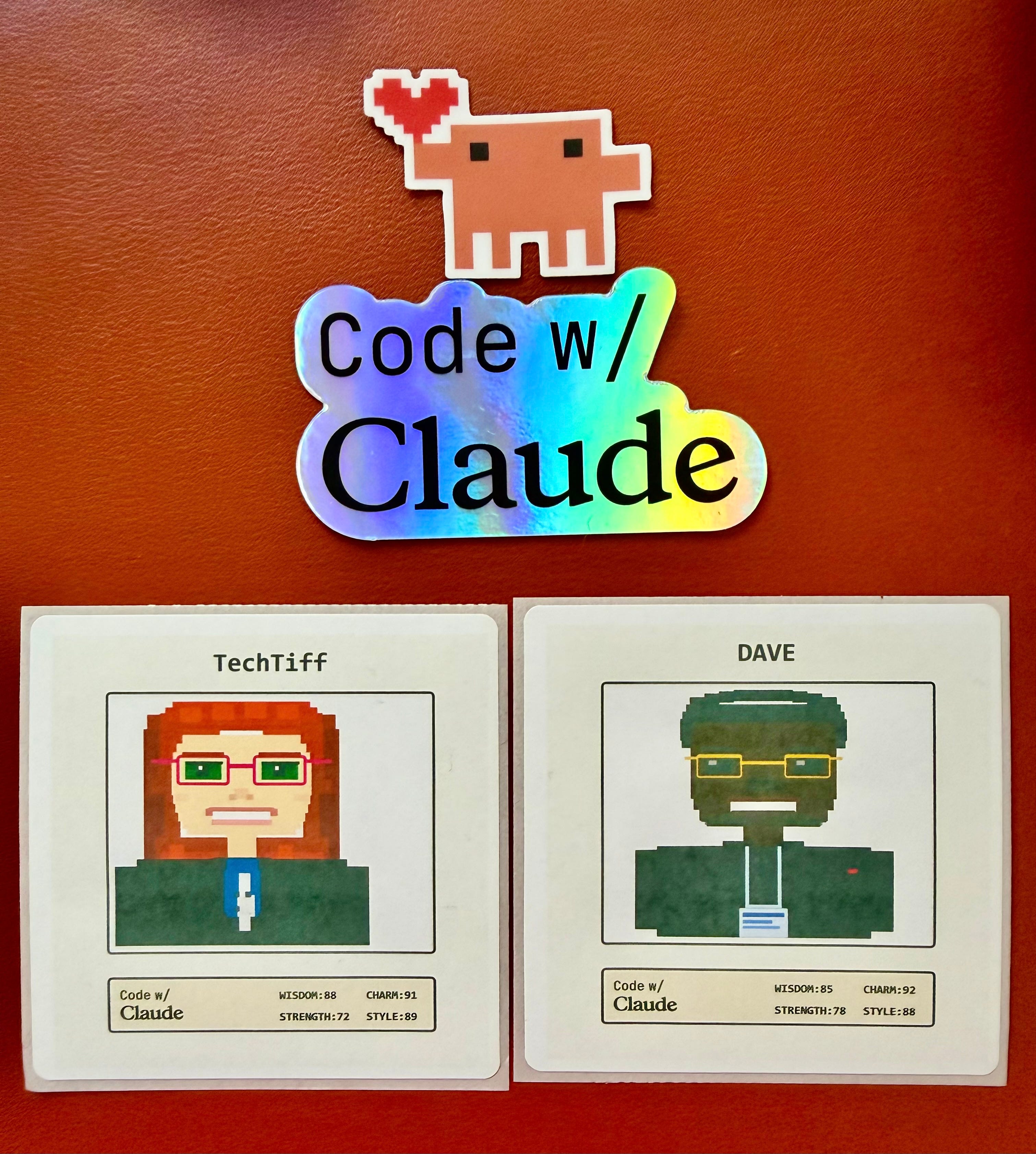
At Code with Claude Extended in San Francisco last week, the photo booth built a live pixel-art avatar while the screen showed the SVG assembling in real time. Each feature appeared as code, then as a rendered shape, then as a finished portrait, and a printer next to the screen kicked out the trading card sticker at the end.
The whole event kept circling the same idea: Code rendering into systems, systems rendering into output. The work that holds up comes from structure.
Give an agent the right context, a plan it can execute, and evals that check the work before it moves forward, and the output gets a lot more reliable.
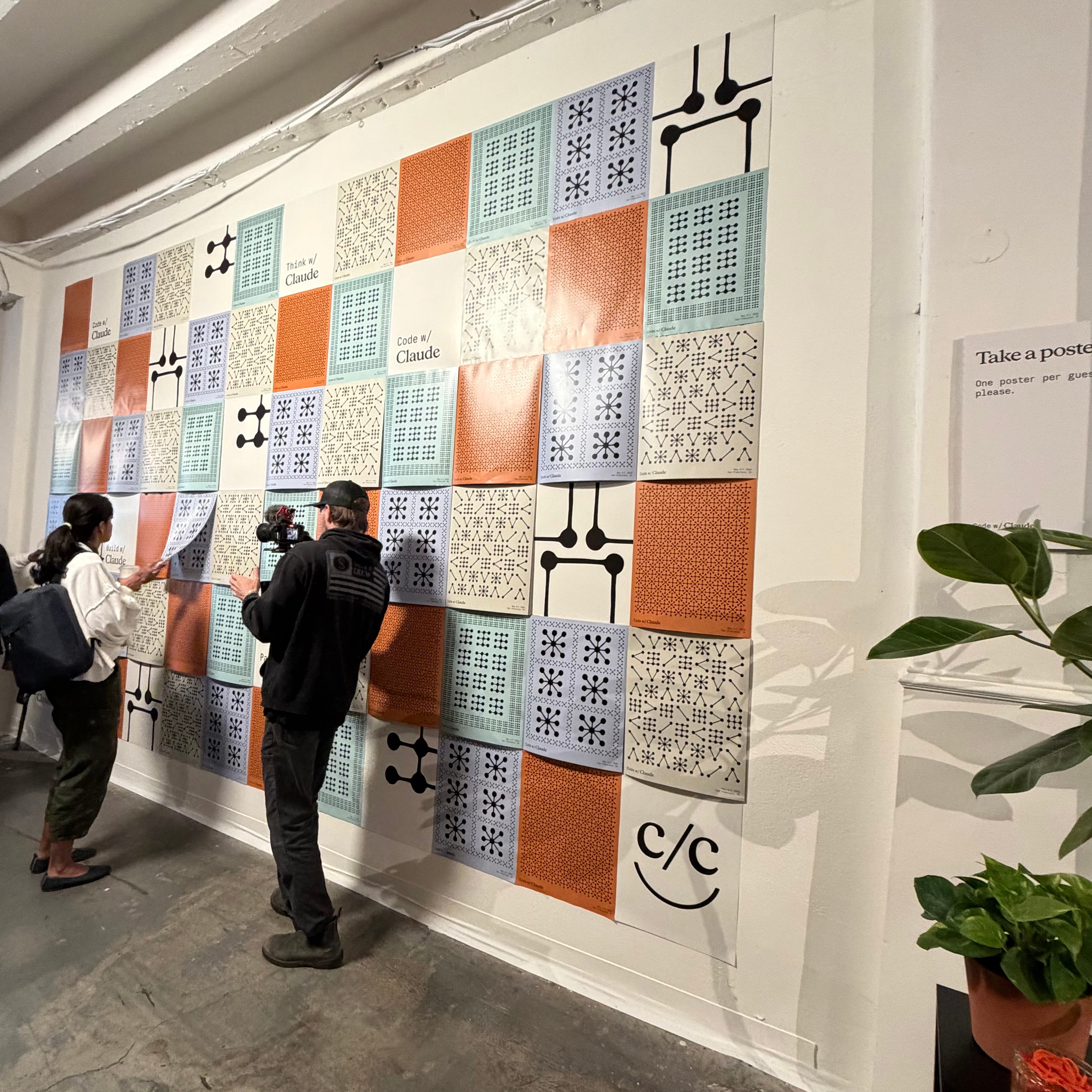
Reliable output comes from structure around the model.
Your Laptop Closes and the Work Keeps Moving
A Routine packages a Claude Code configuration (your prompt, one or more repositories, the tools or connectors the job depends on) and runs it continuously on Anthropic-managed cloud. So you can hand Claude a defined working environment, close your laptop, and the work keeps moving.
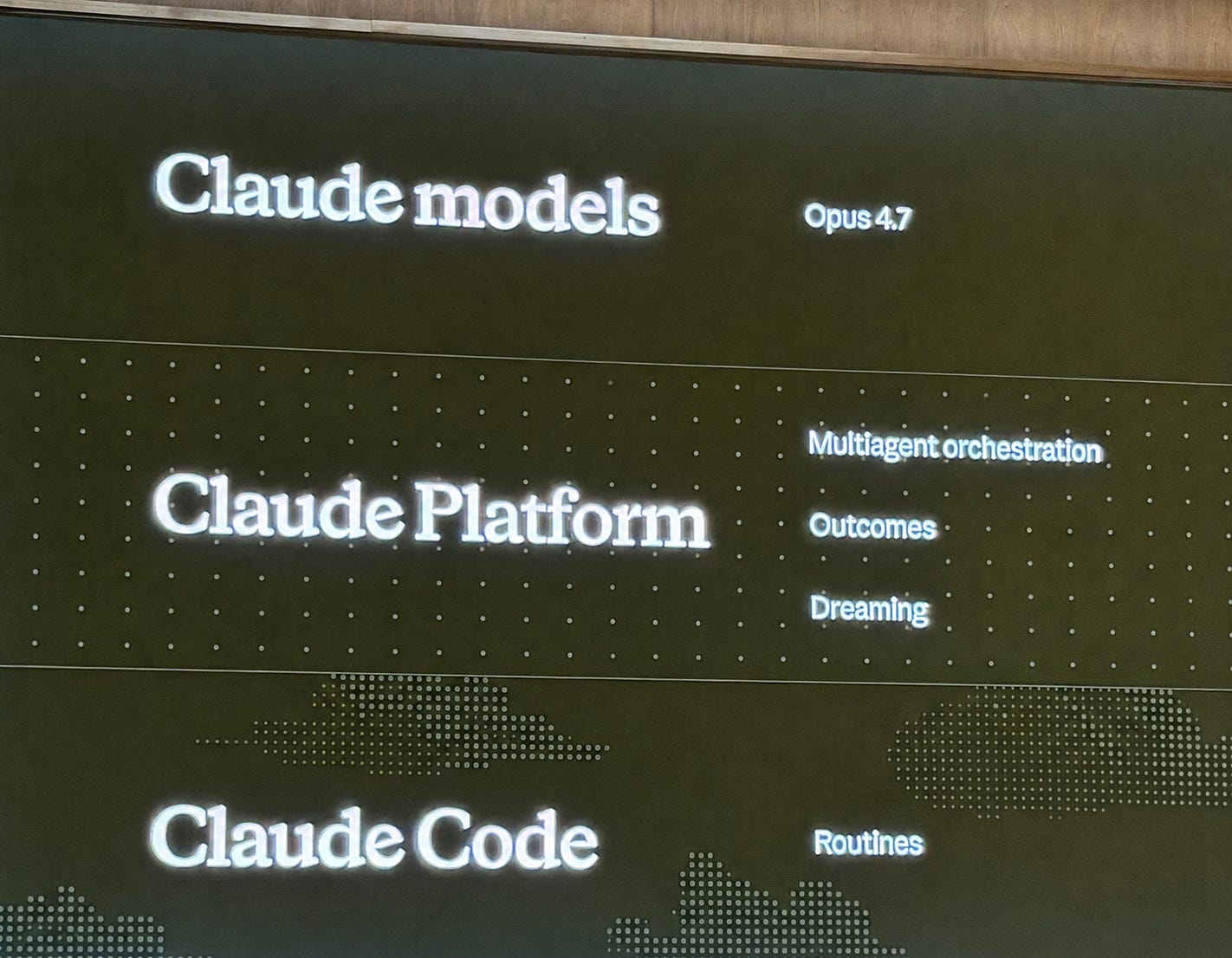
Routines can be scheduled to run on a recurring cadence, fired on demand, or wired to GitHub events like pull requests or releases. One Routine can combine all three, so a single configuration runs nightly, fires from a deploy script, and reacts to every new pull request.
The same setup can respond to scheduled jobs, manual triggers, and GitHub activity without rebuilding the workflow each time.
A new compute partnership with SpaceX also doubled Pro Max rate limits and removed peak-hour limits entirely.
Your Agents Get Smarter Between Sessions
Routines schedules your agent. Dreaming schedules what your agent learns. Memory piles up fast, and a long trail of sessions doesn’t automatically become useful context. It becomes useful when the system can identify what deserves to persist, what should be compressed, and what needs review before it gets carried forward.
Dreaming is a scheduled process that reviews your agent sessions and memory stores, finds patterns, and curates memories so your agents improve over time. It catches things a single agent can’t see on its own. Recurring mistakes. Workflows your agents converge on. Preferences shared across your team. It rewrites your memory store so it stays high-signal as it grows.
Dreaming is in research preview for Claude Managed Agents. You decide whether it updates memory automatically or queues changes for you to review first. You can request access here.
Hex applied this to their analytics product. End-user interactions with their agents become validated data context their data team governs. Moving agents into production exposed four failure points.
Durability: Early agent loops would hard fail and abort the entire run. One bad tool call took down the whole flow. They needed the loop to stay alive when individual pieces broke.
Observability: Agent flows have structure and metadata at every step. Their tools alone weren’t catching what was happening inside the agent. They needed monitoring built for agent calls, with visibility into what each step was doing and why.
Parallelism: Their agents issue dozens of context-gathering tool calls per run, each fairly expensive. Running them in series turns every agent run into a budget concern.
Security: They had to run all of this inside their own boundary, on their own infrastructure, with all data staying inside the perimeter.
Fewer Agents, More Tools
Multi-agent systems fail when responsibility gets muddy.
Outcomes lets you define what a successful result actually looks like. A separate grader evaluates the agent’s output against your criteria in its own context window, so its judgment stays independent of the agent’s reasoning. When the grader catches a gap, it pinpoints what needs to change and the agent takes another pass.
Multi-agent orchestration lets a lead agent break a job into pieces and hand each piece to a specialist with its own model, prompt, and tools.
The strongest multi-agent setups followed three rules.
Keep your context windows clean.
Sandbox your agents.
Keep your understanding agents separate from your writing agents.
The understanding agents read source material. The writing agents produce output. They sit in different context windows with different jobs.
A lot of the conversations weren’t about adding more agents. They were about reducing coordination failures between them.
Fewer agents with more tools is the cleaner starting point. Split out a new agent only when the workload actually demands it. When your system is misbehaving, your fix is usually fewer agents and better tools.
Evals Stop the Guessing
Evals turn prompt engineering into a process with a stopping condition. Without evals, prompt engineering comes down to changing wording and watching to see if the output got better.
A task is an actual input you’d send the agent paired with a description of the output you’d accept back. Five of them, ten, fifty, however many your work needs to feel covered. You write your tasks first. You write a preliminary prompt. You run that prompt against your tasks. You see where it failed. You refine the prompt. You run it again. You keep looping until the output meets your tasks. Then the prompt is finished.
When a task fails, you see why. The output drifted from the format you asked for. The agent missed a step. The reasoning went sideways on one type of input. Each failure points to a specific change in the prompt. You make the change, run again, and watch which failures resolved and which ones didn’t.
With evals, your loop becomes a prompt running against a fixed set of tasks you defined upfront. The work has data behind it.
Plan First, Code After
Planning, execution, and review are three separate steps. Collapsing them into one is what breaks the work.
Skipping the planning step gives you specific failures. Ambiguity in the prompt stays hidden because nothing forces you to make your assumptions explicit. Team members who weren’t in the room when the prompt got written have no context. Your assumptions scatter across conversations and zero documents capture them. Feedback arrives after the code is already written.
Putting planning first changes what happens downstream. People know what they’re building before they open the editor. The team has a written version of the idea instead of five different interpretations floating around in Slack. Senior engineers can push on the approach early, while changing direction is still cheap. The success criteria get defined ahead of time too, so people aren’t debating halfway through the build whether the thing actually works.
The review and iterate step is where the prompt and the plan get pressure-tested before any code gets written. A teammate reads the plan. Edge cases come up. The plan gets revised. By the time anyone starts coding, the plan has already absorbed the questions that would otherwise come back as bug reports.
The CodeRabbit pipeline runs from issue or prompt to plan to review and iterate to code to validate to record of work. The plan and the review come before the code. CodeRabbit closed with “Ship the agent. Not the loop.” The time goes into the prompt, the plan, and the split, not the runtime.
Your Context Got Version Control
At office hours, a Claude Code engineer landed on something simple. Run your AI context like a shared document with history, approvals, and visible edits.
Every change to a context document gets stored as its own saved version, stamped with who made the change and when. When someone edits the document, you see a side-by-side comparison of the old version and the new one. Each added line and each removed line shows up clearly, so you know exactly what changed.
Two teammates can edit different parts of the same document at the same time, and the system merges their changes automatically. When they edit the same part, the conflict shows up clearly and gets sorted before the change goes through. Someone else on the team looks at the proposed change, asks questions or requests edits, and approves it before it lands in the main document.
In a typical setup, your team’s knowledge lives in a Notion page or a shared doc. Someone edits it, the next person opens it, and there’s zero visible difference between the version they’re reading and the one that existed last week. Running it through GitHub fixes that. You see every edit, every author, every conflict, every approval, all of it tied to the document itself.
Your AI context becomes something the team can actually track, review, and maintain together.
The Bar to Build Keeps Dropping
Building with AI agents used to require API access, technical chops, and a budget. The path from idea to working system got much shorter.
The Claude Typewriter was an IBM Wheelwriter rigged with an Arduino tapping into the 10-pin internal connector. Sonnet 4 prescreens what gets typed. Sonnet 4.6 generates the response. The original daisy-wheel strikes the response onto the page. Built originally for the de Young Museum’s Monet and Venice exhibition, where it logged over 1,600 exchanges. I asked it about typewriter parts and watched the daisy-wheel hammer out a paragraph about typebars and platens with no human at the keys.

The M5Stack Cardputer ADV is a card-size programmable cyber deck. Plug it in, tell Claude Code what to build, and Claude writes the firmware and flashes it onto the device over USB-C. I’m taking one home to turn into an AI Context and Memory system.
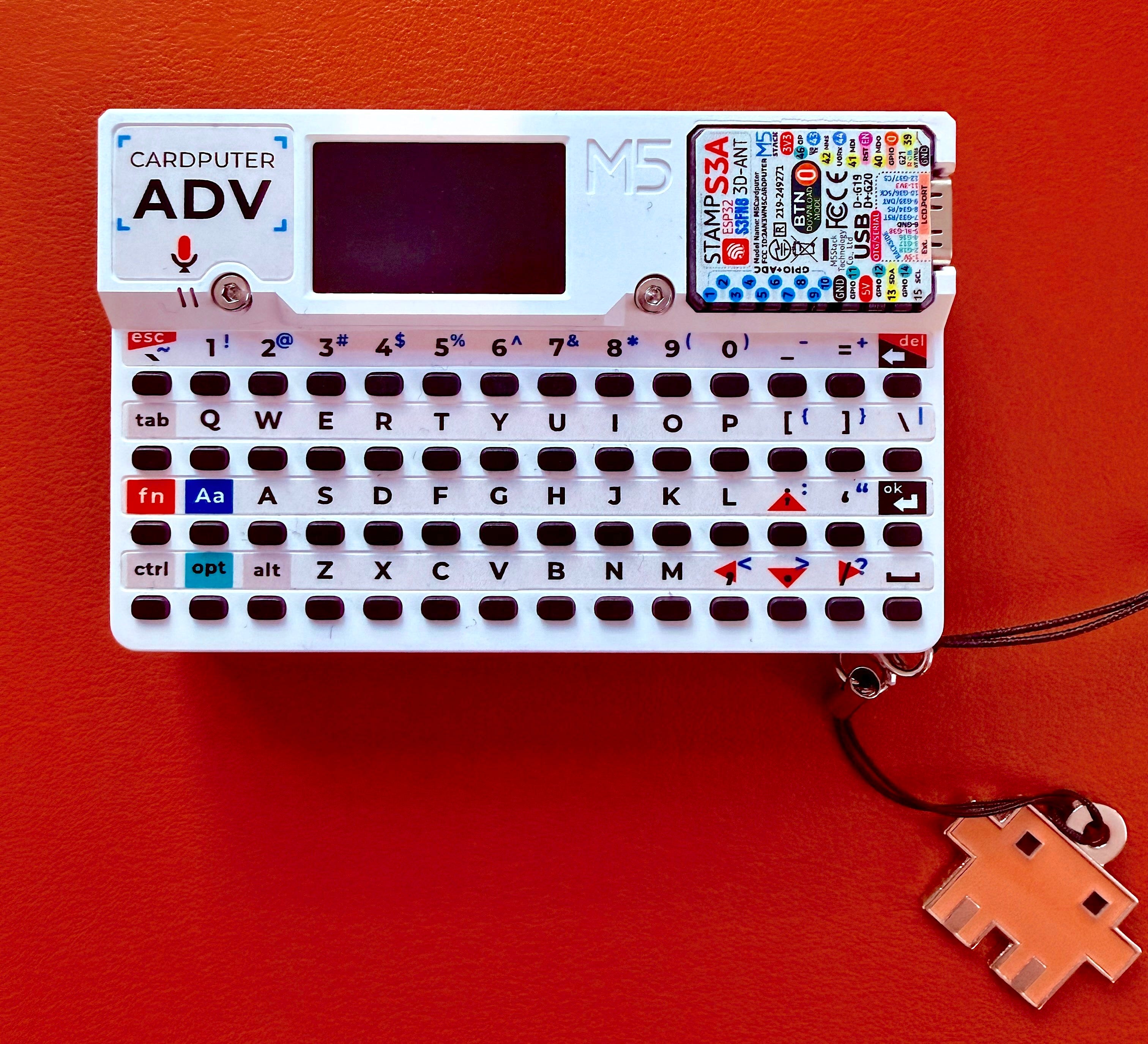
A retired typewriter became a Claude interface. A pocket-size programmable device became a custom build, generated and flashed by talking to Claude. Both demos landed on the same idea. Someone with a clear idea and access to Claude Code turned a familiar object into a working agent system, no team behind them, no special build environment, just the tools running on the same laptop you have. You’re already running the tools that got both of those off the ground.
The closing reception carried the same idea into music. DJ Claude was running at the event, and Anthropic launched Claude FM this week, a lo-fi stream made and curated by musicians.
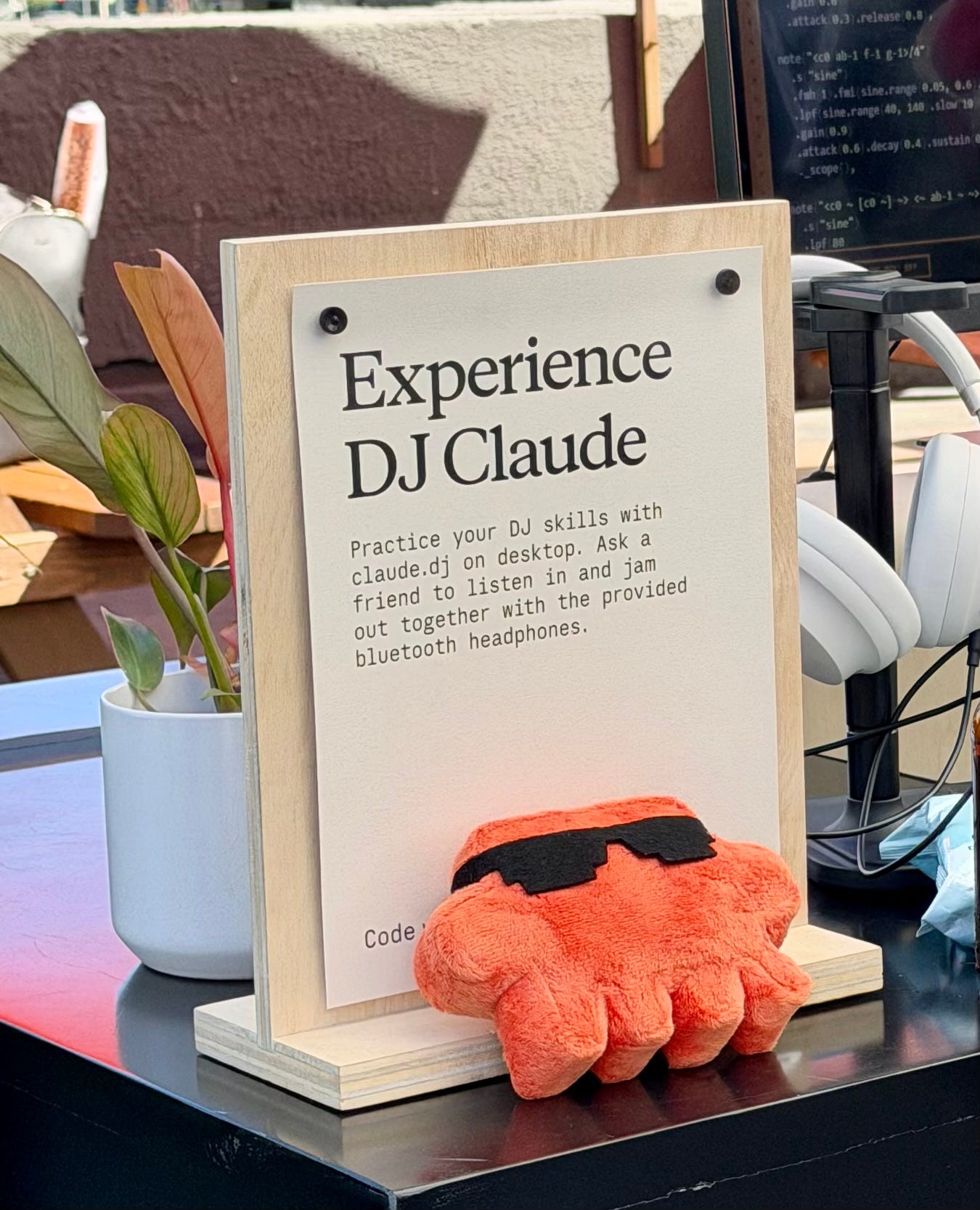
Claude appeared in a typewriter, a pocket computer, a DJ, photo booth. AI is turning into infrastructure people build into objects, workflows, and environments.
Systems Hold the Work Together
If your AI workflow keeps breaking, the problem usually isn’t the model. The problem is usually the missing structure around it.
Reliable systems need context, planning, memory, evals, review steps, and clear separation of responsibilities.
Reliable AI workflows weren’t built around one giant prompt. They come from systems that carry work from one stage to the next without losing context along the way.
The tools to build these workflows are already sitting on the same laptop in front of you.
Most people are still prompting one task at a time. Inside AI Flow Club, we build the context, memory, plans, and automations that let AI operate like a real system. Join us at flow-club.techtiff.ai
Outstanding overview!