

I Gave My AI an Office
How to Turn Obsidian Into an AI Workspace

AI forgets everything, so I taught mine to take notes.
ChatGPT doesn’t know what Claude knows. Claude doesn’t have a clue what you built in Codex yesterday. And the useful chat where you mapped the whole plan is sitting in some sidebar with a title like “New conversation.”
I got tired of repeating myself every time I use AI, so I gave it an office inside Obsidian.
Now it has a workspace where it stores context, tracks projects, and maintains ongoing work.
It’s just a folder of markdown files on my computer, opened as an Obsidian vault.
Inside that folder, my AI has:
Operational notes like my active projects
Context files so it understands who I work with and what I do
Templates that standardize results
An archive of everything that’s been completed
Any AI tool reads from the same workspace, follows the same instructions, and picks up the same context.
Now my AI walks into work already caught up, and I’m not losing track of the progress I’ve made.
Building an Office for AI
When you bring someone new onto a team, you don’t hand them a folder of files and hope for the best. You show them where things live, introduce the ongoing projects, and explain who matters and why.
But your AI doesn’t get that. Every new session, you’re the onboarding document.
But your AI doesn’t know about the call you had Tuesday, the project that moved to active last week, or the person whose name just came up in two separate conversations and probably needs their own file.
AI works better with the same kind of workspace.
The AI Office is my version of that workspace. Obsidian is the interface. Markdown is the source of truth. Codex, Claude, ChatGPT, or any other tool with file access can work from the same system.
So the work stops living inside one disposable chat thread.
The Folder Your AI Works From
The setup starts with a normal folder on your computer. Download the template, or start with your own markdown files, then open that folder as a vault in Obsidian.
That part matters because the system stays portable. You can browse it in Obsidian, edit it in any text editor, sync it however you want, and hand it to any AI tool that can read files.
This Obsidian vault became an office for my AI. Project notes, workflows, people, templates, and daily operations now live in one persistent workspace.
AI reads and updates markdown files directly, maintains ongoing notes, suggests actions, tracks active work, and follows reusable operational rules over time.
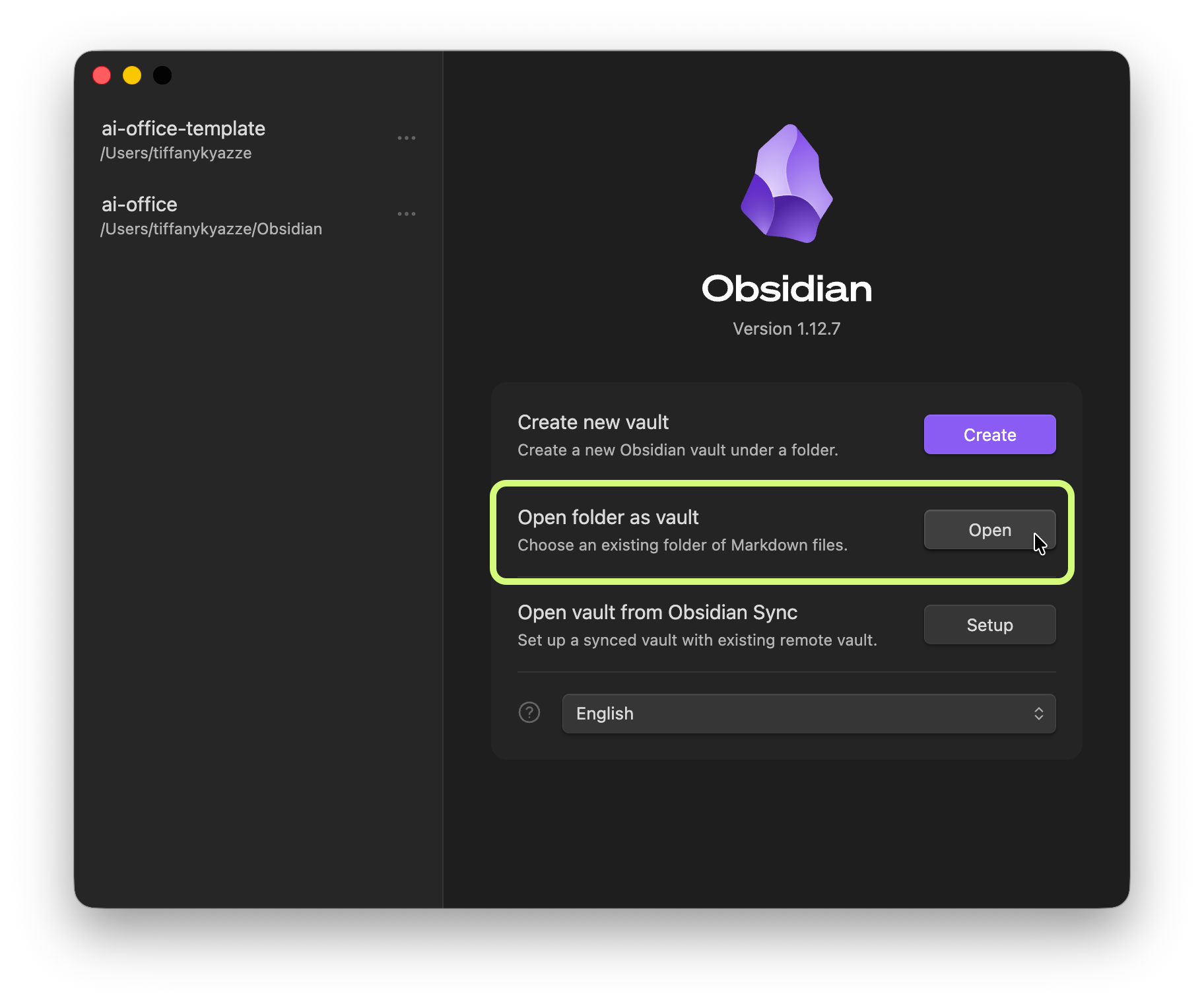
The AI Office is a folder on your computer with markdown files organized into a vault that Obsidian reads as a connected workspace.
Try the Free AI Office Workspace
Get the foundational four-folder vault architecture to stop chat thread context decay and organize your local markdown files.
Keep reading with a 7-day free trial
Subscribe to The AI Creator Drop to keep reading this post and get 7 days of free access to the full post archives.