

Stop Letting AI Improvise
Templates, skills, and one setup that makes AI output predictable

I got tired of wasting time starting from scratch every time I needed to make a post, so I turned the design process into a system. The problem was rebuilding the same decisions every time I needed a new asset, which turns a five-minute task into two hours of scrolling through options.
So I started treating my Adobe Express designs less like one-off graphics and more like reusable production assets. And that system got a lot more interesting once AI entered the workflow.
At Adobe Summit, I sat down with Govind Balakrishnan, SVP and GM of Adobe Express, to talk about how AI actually fits into real production.
Consistent AI output happens when you stop leaving it room to improvise.
Why AI Starts Making Weird Choices
Inconsistent output usually means the AI is making decisions you never defined.
If you need a set of assets for the same campaign, you’re not looking for different interpretations of your brand across them. You want the same structure with enough variation to fit the content, but not so much that every post looks like it came from a different account.
Most of the time, the inconsistency comes from asking AI to make too many decisions that should have already been set.
From One-Off Designs to Reusable Assets
When you ask AI to “make something on brand,” you’re asking it to interpret a whole visual system from a sentence. Maybe it gets close. Maybe the font is wrong, the spacing is off, or the colors drift. Either way, you’re leaving too many decisions open.
The workflow gets stronger when the AI is working inside something you already trust.
In Adobe Express, you decide which parts of an asset are design decisions and which parts are production fields. The output stops drifting because your AI is working inside a file where the creative boundaries have been set.
So I made a template and locked the parts that needed to stay consistent.
The only editable fields are the ones I needed to keep fresh: title, description, date, and background image.
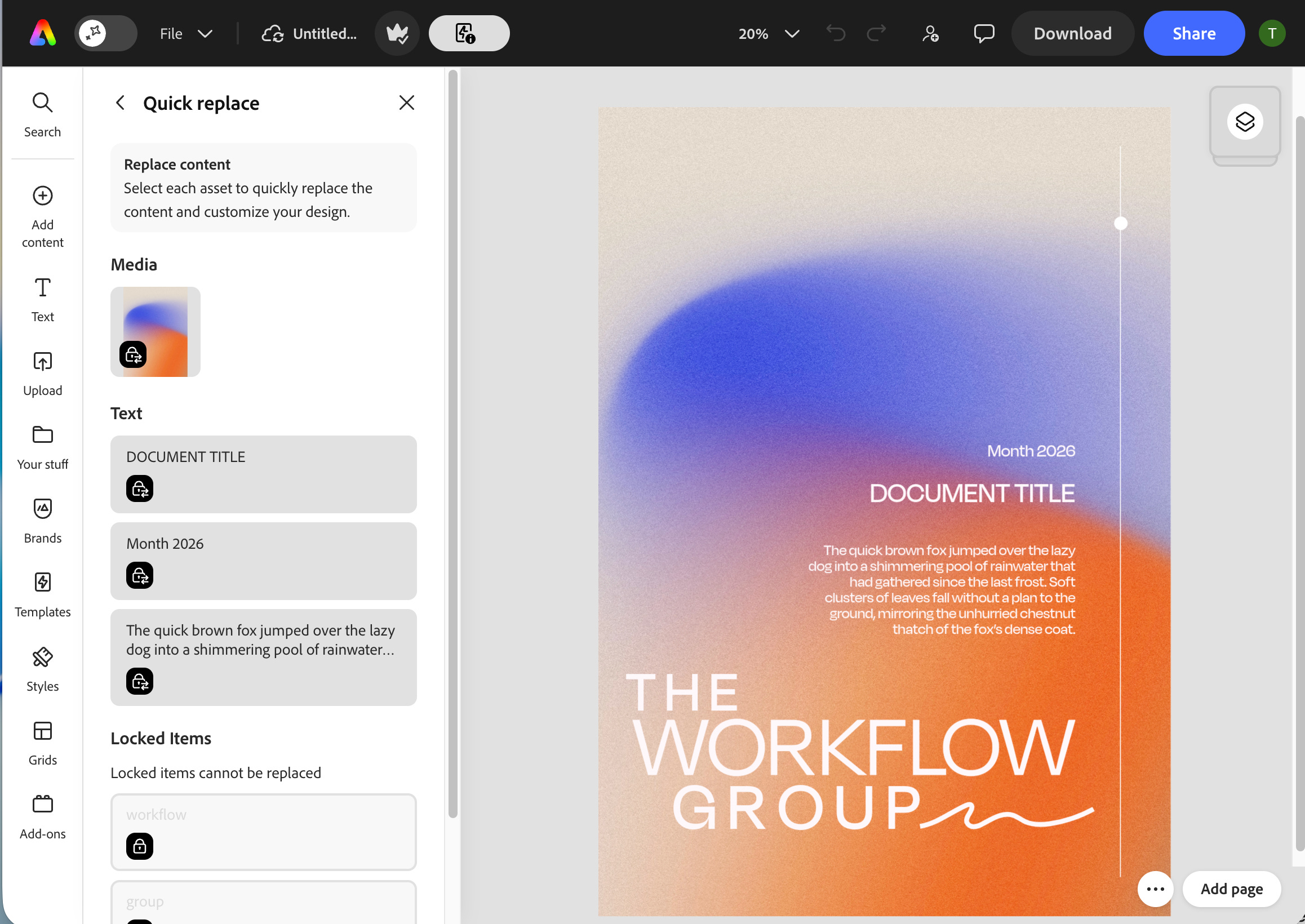
I treated the template like a system and handed it to Claude as-is. I was already working with Claude on the project, so it had the content.
I handed Claude the template and it didn’t redesign anything. It just filled the fields and returned a finished asset.
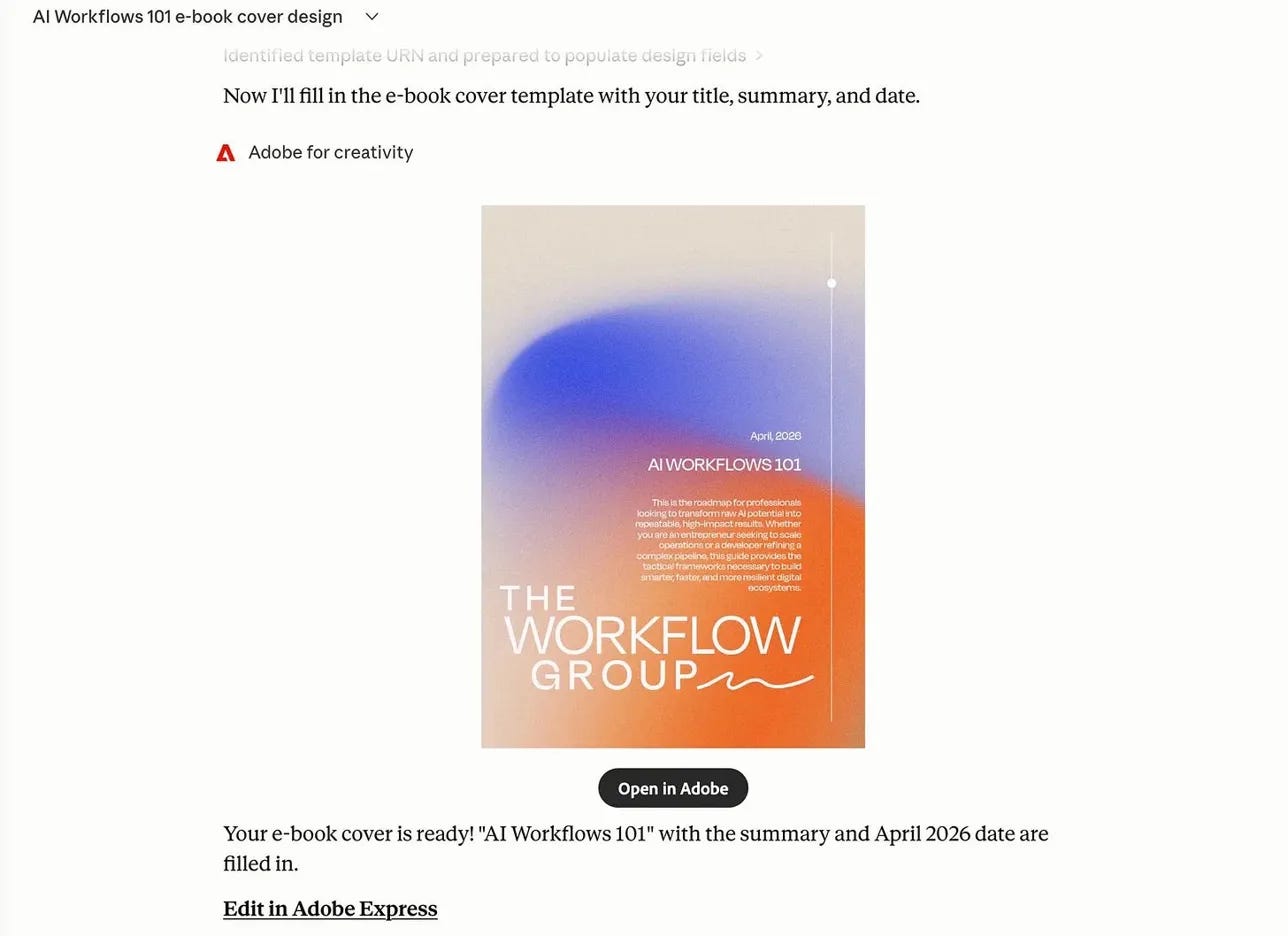
The more decisions you make before production starts, the fewer decisions your AI improvises later. The AI handles the fields. The template handles the rest.
Training Your AI to Design
The template sets the design. The Skill gives AI the job description.
A good Skill tells the AI which template to use, what information it needs, which fields it can update, and what should stay untouched. It also defines a review step so nothing goes straight from generation to publish.
I used Claude’s Skill Creator to turn that setup into a reusable Skill so I’m not rewriting the same instructions every time.
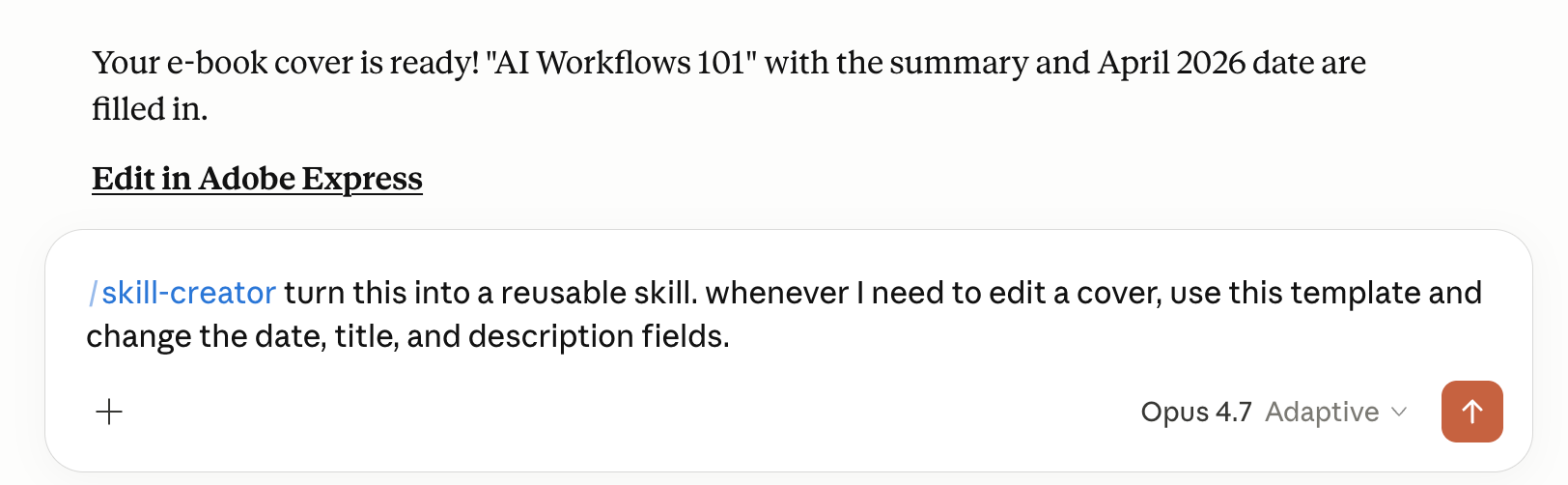
Now, instead of rewriting instructions for every asset, I write one: use the template.
Adobe is moving in the same direction: turning workflows into something you can run instead of rebuilding them every time. That’s where AI becomes useful for real production.
This same system is showing up outside of Adobe too. ChatGPT’s workspace agents already use structured workflows as a starting point.
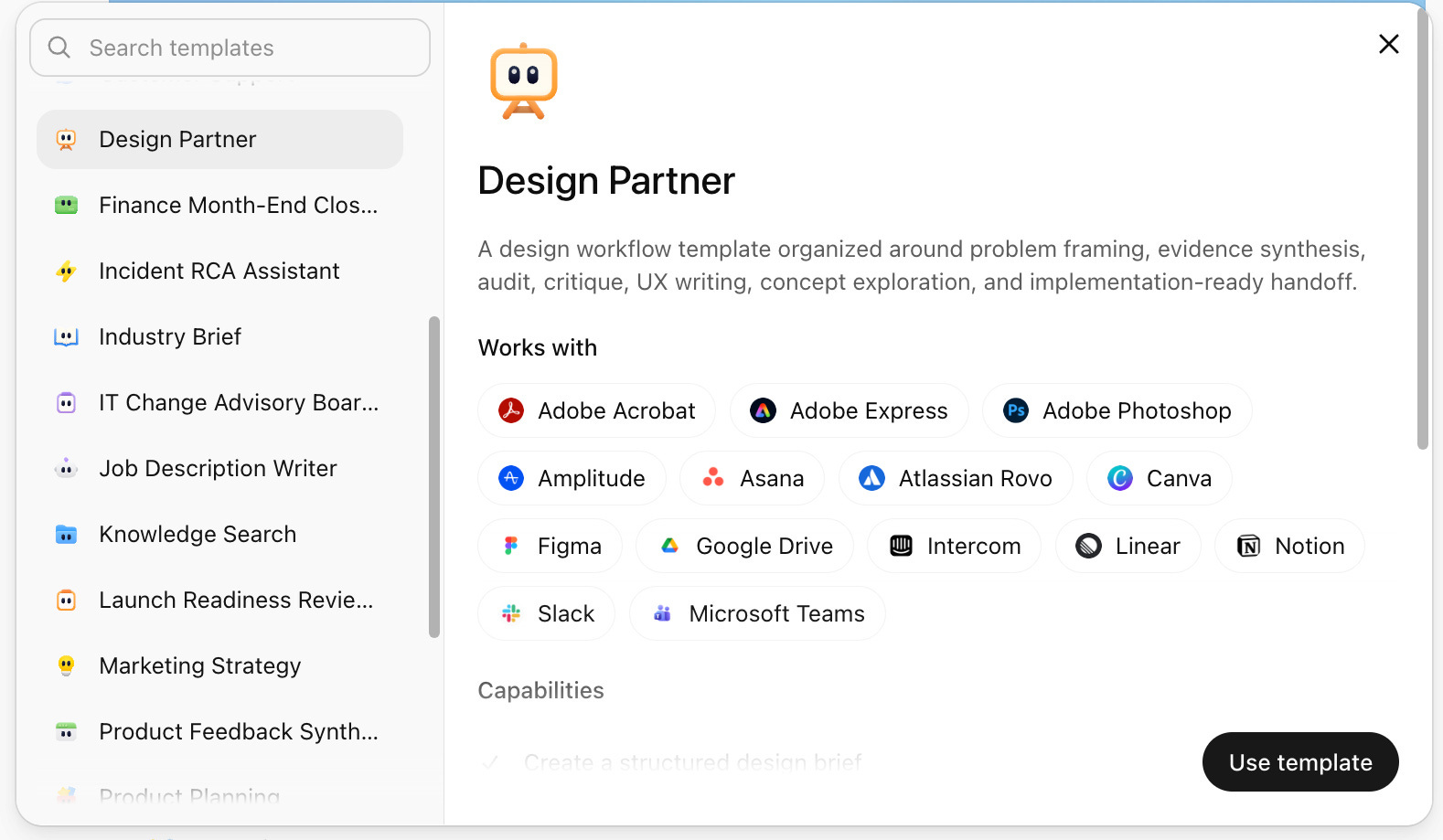
Templates like the Design Partner Workspace Agent come with the system defined upfront, not something the AI has to figure out on the fly.
When those workflows are connected to real tools, like Adobe through connectors, the agent isn’t guessing how to do the work. It’s running a process that already exists.
You Set the Standard
The goal isn’t to hand creative judgment to AI, it’s to make the important decisions earlier. Then it executes inside a structure you set.
You decide the format, brand rules, and which elements can be edited. So you’re setting the standard for what “good” looks like before anything gets created.
The difference is you make those decisions once and reuse them.
AI gets more useful when the repeatable parts stop depending on your mood, your calendar, or how much caffeine you’ve had.
The setup locks quality before the work even starts.
When the Tool Understands the Job
A blank prompt box makes the AI rebuild the context every time, even when the work already has source material, a format, a brand system, and a specific output.
In Express, more of the job lives inside the workspace before AI gets involved. The file holds the brand kit, the approved layout, the editable areas, and the visual rules. The instruction only has to handle what changes.
Govind described this as the chance to weave generative AI into the product so it shows up based on what you’re already doing, instead of sending you somewhere else to use it.
That changes where the work actually happens. The AI isn’t starting from zero every time you open a blank input. It’s working inside something that already has structure, context, and boundaries.
Express is becoming the layer where that work connects, not just where it gets edited.
The presentation workflow makes that visible. Express can take existing work—PDFs, decks, documents—and turn it into a starting point. It builds an outline you can edit, lets you restructure the content, choose a template, and generate the final deck.
You’re not asking it to figure out what you mean. You’re giving it something that already exists and telling it how to move it forward.
Talk to It, Then Tune It
The same principle shows up in branded creative work. Govind pointed to templates with locked elements, where the layout, typography, and brand rules stay fixed, and only the content fields are open. The structure holds the design in place while people generate new assets from it.
He described it as “on-brand creation, but self-serve on-brand creation.” Self-serve only works if the guardrails are real. Otherwise, you just get more off-brand output faster.
He also talked about brand kits and brand checks, including feedback when an edit takes something off-brand or creates accessibility issues.
Govind described an interface where you can “speak to the product,” with the finer-grained controls right there when something needs to be exact.
Start with a conversation, then step in with precise controls when something needs to be exact, without bouncing between tools.
The structure sets the standard. The AI works inside it.
Stop Making AI Guess
The first win is removing one decision you keep making over and over again.
Don’t start with your entire brand, just pick one thing you already create repeatedly and start there.
Take the best version you already have and turn it into a template. Then decide what should stay fixed and what should change. Lock the parts that define the design. Leave the parts that change open.
Then write one reusable Skill for your AI. Tell it which template to use, what information it needs, which fields it can update, and what it should leave alone.
From that point on, you’re not asking AI to figure anything out, you’re just telling it to run something you already defined.
That’s when the workflow actually starts working.
Your Setup Does the Work
Consistent AI output comes from a repeatable structure, a clear job, and fewer places for the AI to drift.
That’s why templates and Skills work so well together.
The template holds the design decisions. The Skill holds the behavior.
When those pieces are missing, AI guesses. When they’re in place, it executes.
The setup is what makes the output predictable. Build the template, write the Skill, give the AI a lane, and let the structure do the work.
