

ChatGPT Just Put Adobe to Work
Now the Adobe plugin connects Firefly, Acrobat, and more than 70 creative tools in ChatGPT

ChatGPT just got upgraded access to Adobe’s tools, so one conversation coordinates the creative workflow. Photos get edited, video gets cut, PDFs get built, and the Adobe plugin decides which tool belongs in each step.
You start with the finished result, and the software decisions happen behind the conversation.
I spoke with Deepti Pradeep, Adobe’s Senior Director of Agentic AI, before the release. She described the goal as letting people name the result while the plugin chooses the tools behind the work.
The short version
Now ChatGPT runs one Adobe plugin that covers work across photos, videos, and documents.
Firefly and Acrobat are part of the Adobe plugin for the first time, alongside more than 70 tools across Photoshop, Lightroom, Illustrator, Express, Premiere, and the rest of Adobe’s toolkit.
You describe the outcome, provide the source material, review the work, and approve what happens next.
Stop Switching Apps
The plugin puts a set of creative tools behind one connection inside ChatGPT. So you start with the result you want instead of the app you want it to use.
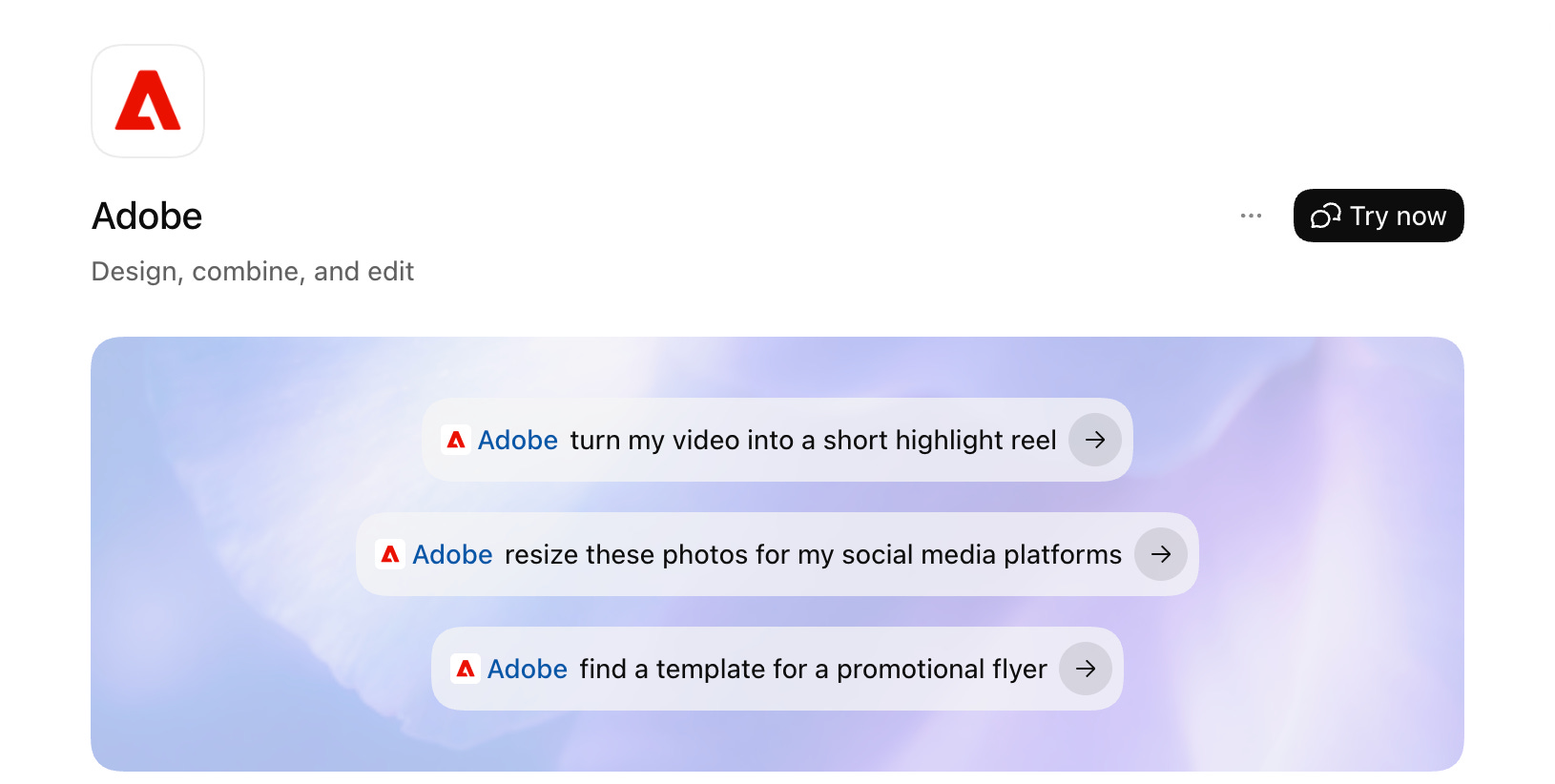
Firefly and Acrobat extend the same project into generative visuals and document work. One conversation moves the project across tools to generate assets for the job.
Give ChatGPT the source material and describe the result. It selects the tools needed for the job, brings each output back into the conversation, and gives you a place to review the work.
So now you don’t need to translate one project into separate instructions for every app involved because the plugin already knows how to choose the right tool for the job.
Define the Job and Review the Work
The plugin chooses the tools. You set the direction.
Tell it what you want made, add the files it needs, and explain how each source fits into the project. Use the current source for facts, approved brand assets for the visual direction, and any additional examples as style references.
Add the standards the work needs to follow:
Brand requirements
Visual direction
Dimensions
Crop rules
Export formats
Then tell it where to pause. Review one output before applying the same process across the rest of the project. Adjust the work, approve the direction, and let the plugin continue.
Your instruction gives the plugin the job, the source rules, the standards, and the review point without writing a new novel every time.
Put Adobe on Your Team
Add the Adobe plugin inside ChatGPT, then invoke it with @Adobe or through the + menu.
Use:
ChatGPT: everyday creative jobs.
ChatGPT Work: larger batches, detailed instructions, multi-step skills, and projects that span several creative tools.
Codex: technical projects that also need creative assets.
Your files, apps, and connectors finally have a creative member on the team. Other connected tools supply information, organize the source material, or manage the next step. Adobe handles the creative work, and you direct each handoff from the conversation.
Approve the First Result
The Batch edit photos skill runs the first image through the complete editing process and shows a before-and-after preview. The rest of the batch waits for approval.
Review the treatment, change the settings, or cancel the job. Any change sends the first image through another preview before the remaining photos are processed.
Once the result is approved, the skill applies those settings across the rest of the set.
This keeps one small mistake from becoming forty small mistakes wearing matching outfits.
Set Your Creative Operating Procedure
A prompt directs the current project. A skill defines the process the plugin follows every time that type of job runs.
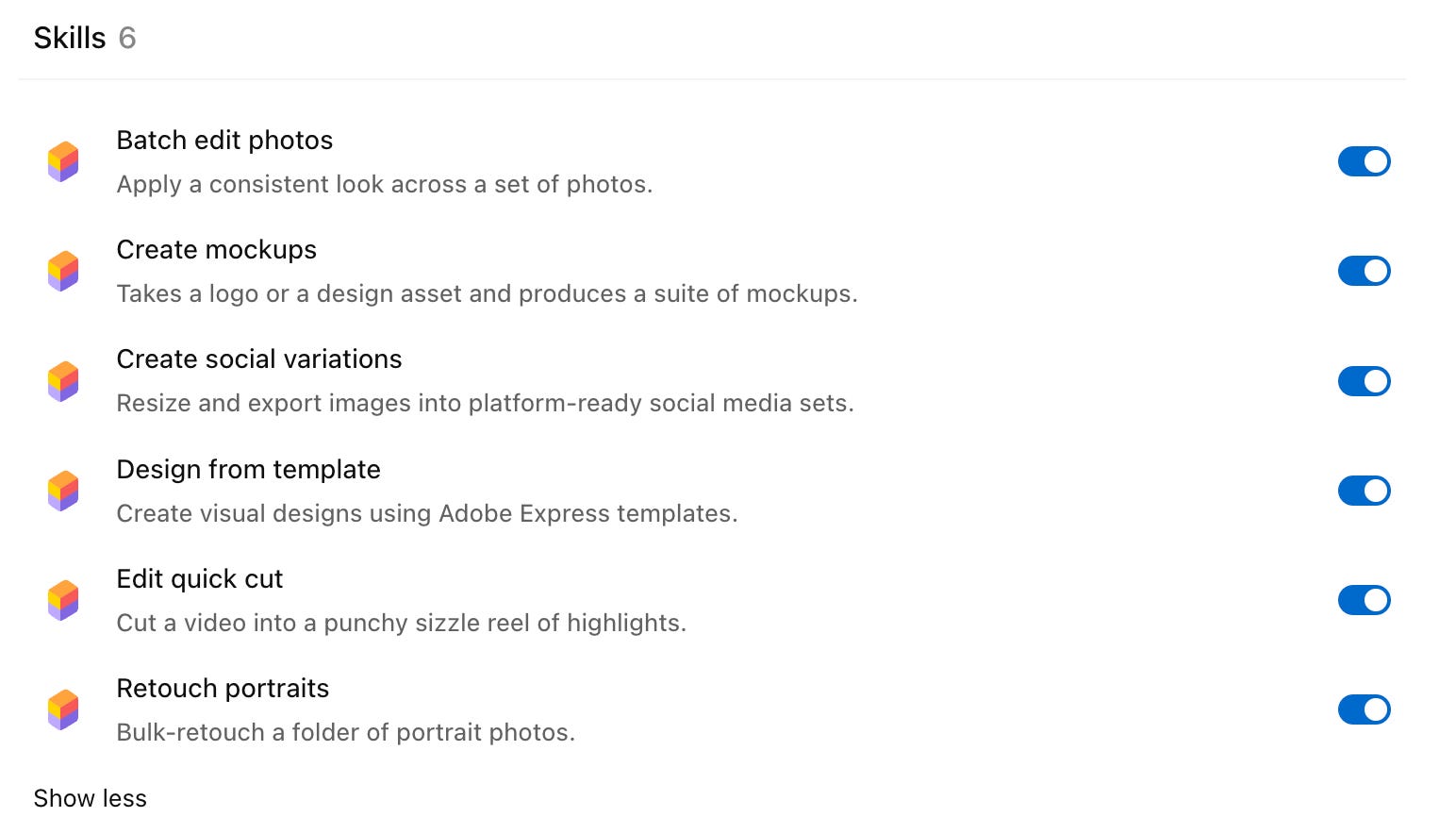
I opened the Batch edit photos skill to see how Adobe structured the process. It defines the trigger phrases, questions, tool order, preview gate, fallback behavior, and final response. It recognizes requests to make a set of photos cohesive, match a specific look, apply the same treatment across a batch, or correct images captured under mixed lighting.
From there, the skill controls the full workflow. It gathers the images, checks which presets are available, reads the conversation for preferences already provided, and asks only for the decisions that are still missing. Those decisions might include the visual treatment, crop ratio, framing, or selective enhancements.
It also defines the order of operations. The photos may be straightened, corrected, given a consistent visual treatment, selectively adjusted, cropped, and prepared for delivery. The settings work across the images so the results look like they are part of a set.
Before the full batch runs, the skill processes the first image and presents a before-and-after preview. The workflow pauses until you approve the result. Any adjustment sends the first image through the preview again before the remaining files are touched.
Customize Your AI’s Creative Skills
Use the included skills as templates, then adapt the instructions for work you repeat.
A custom skill can define:
Trigger requests
Required files and information
Decisions it infers
Questions it asks
Tool order
Approval checkpoints
File naming, export, and storage rules
Fallback behavior
The final response
Keep the changing project details with the current job. That includes the event, source files, dates, speakers, products, messaging, and final assets.
Keep the operating rules inside the skill. That includes brand standards, crop treatment, naming conventions, review points, destination folders, export formats, and what the plugin returns when the job finishes.
The event changes. The operating procedure stays ready for the next run.
Direct the Full Creative Process
Open the Adobe plugin and choose one job you already repeat.
Open one of the included skills and study the process behind it. Look at what activates the skill, what information it needs, where it pauses, and what it returns when the job finishes.
Run the process on one real project. Review the first result, correct the instructions, and save the parts you want followed again next time.
Your repeated work deserves its own operating procedure. Inside AI Flow Club, we build the systems together. Join AI Flow Club →
Nothing would persuade me to depend on any Adobe product